
This page shows websites I have worked on. Each entry sets out what the business needed, the work done and the results. None of the results is a figure: they describe what changed, and I have not added numbers that were never published.
If you are planning a new website or a redesign, a screenshot will not tell you much on its own. What matters is whether the person behind a site understood how it would be found, used and measured, and that is what each entry tries to show.
What each entry tells you
- The challenge. What the business needed, or what was wrong with the site it had.
- The work. The changes made, in plain terms.
- The results. What the work produced, in the words that were published at the time and without added figures.
- My role, where it was stated. Most web projects involve several people. Where my role was published, the entry gives it.
The screenshots show each site as I captured it. Owners keep changing their sites after a project ends, so the live version may look different today.
Website projects
| Project | Type of work |
|---|---|
| RD Real Estate (UK) | New property website planned for search, as web and SEO project lead |
| 8 Crowns Steam Cleaning Services (Australia) | Website structure, copy and local search |
| Supply Box | Clean, user-focused redesign |
| Neo Assure | Brand tone and layout brought into line (earlier in my career) |
| Sakchha | Structure and layout foundation (earlier in my career) |
RD Real Estate: a UK property website built for search
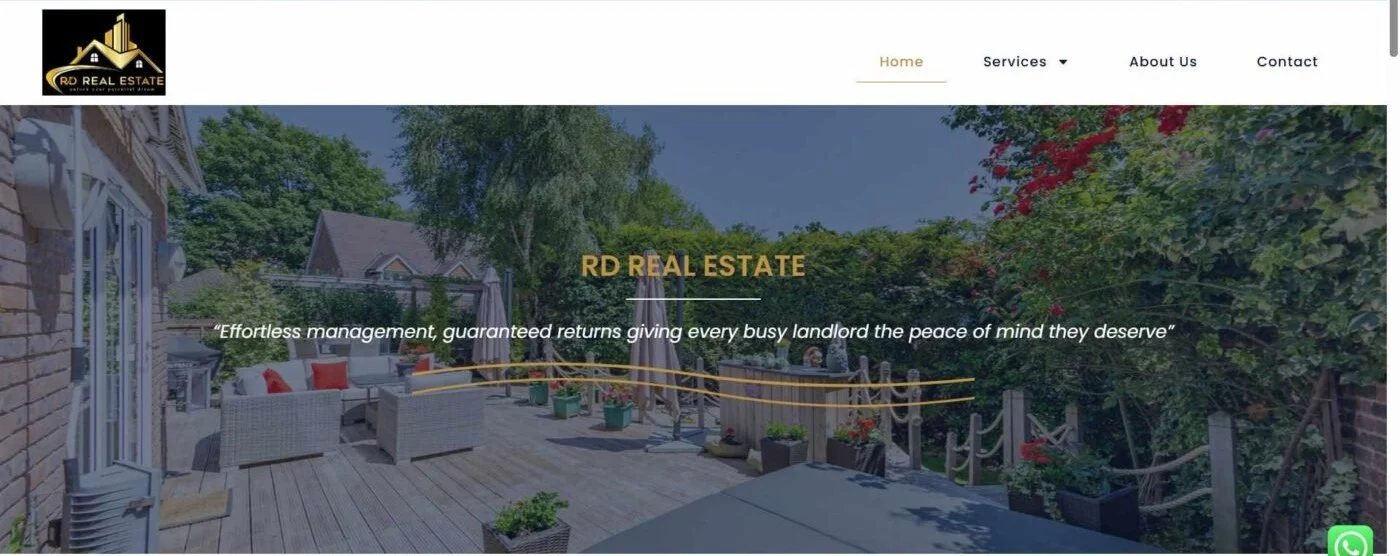
My role: web and SEO project lead.
The challenge. The business needed a site built with a search-ready structure, so that it would not need restructuring once it was live.
The work. Site planning, refining the structure as the build progressed, aligning the content with that structure and optimising the layouts so the information people came for sat where they would look first.
The results. A search-ready build and a clean user experience, as a foundation for long-term SEO growth. The full write-up is in the UK property website case study, and my approach to digital marketing for estate agents and property businesses has its own page.
8 Crowns: a website for a steam cleaning business in Australia
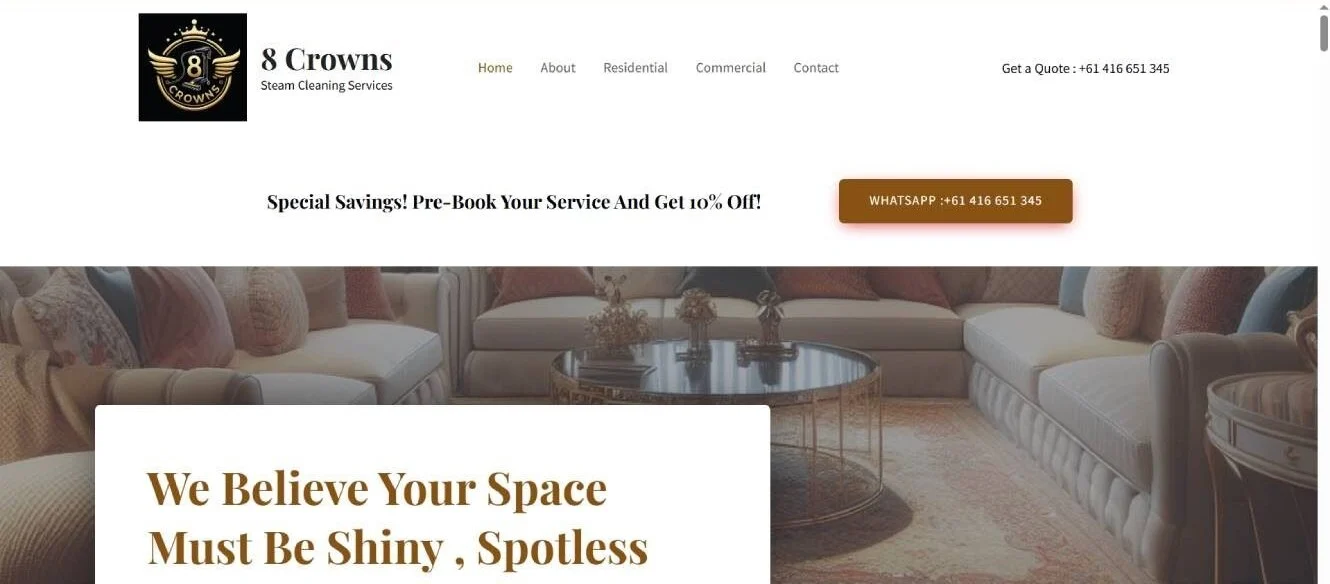
The challenge. 8 Crowns Steam Cleaning Services needed a site that supported conversions and gave it stronger placement in the several cities it serves.
The work. On-page structuring, refined web copy, a metadata clean-up and Google Business Profile optimisation. Separately, at the founder’s request, I handled the brand’s social media rebrand.
The results. Higher visibility in local searches, an online presence with brand authority and consistent local leads by phone. The search side of the project is covered in the 8 Crowns local SEO case study.
Supply Box: a clean, user-focused redesign

The challenge. The site was packed with unnecessary elements and lacked a clear structure.
The work. I simplified the layouts, reorganised the content and restructured the categories, so that visitors and search engines could both see how the sections of the site related to each other.
The results. A clear user flow, better visibility for the content and strong groundwork for SEO.
Neo Assure: brand tone and layout brought into line

This was an earlier project in my career, and one that shaped how I approach site structure for SEO today.
The challenge. The way the brand wanted to sound did not match the way its pages were set out.
The work. I refined the copy, made the layouts clearer and cleaned up the code underneath them.
The results. Stronger retention, with lower bounce rates, and better alignment with the terms people in its industry search for. No figures were published for either, so none are given here.
Sakchha: a user-experience foundation
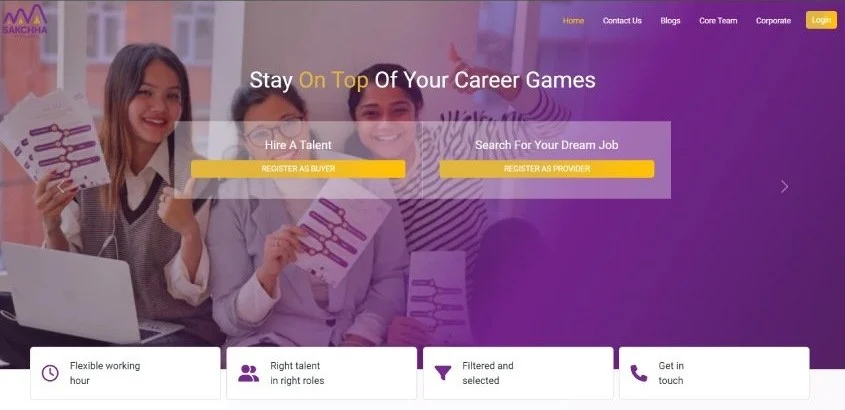
This was also an earlier project in my career, and another that shaped my structural approach to SEO.
The challenge. The site needed a clear structure and refined content.
The work. Code refinement, reworking how content was laid out on each page and improvements to the overall structure.
The results. A better flow for visitors through the site and a strong foundation for a search-oriented structure.
What these projects have in common
The common thread is structure: which pages a site needs, what each page is for and how the pages link to one another. I settle that before colours and fonts because the structure decides what Google can understand about a site, and changing it after launch costs far more than getting it right on paper. On any website project now, that means:
- A page plan built from keyword research, with one search intent per page so that two pages never compete for the same searches.
- The site architecture and the internal links between pages agreed before anyone designs a template.
- The phone layout treated as the main layout, with Core Web Vitals checked on a mobile connection rather than on office broadband.
- Analytics and a cookie banner set up before launch, so the cookies the site actually sets match what the banner and the cookie policy say.
- On a redesign, every old address that has links or search traffic sent to its closest new page with a 301 redirect.
The full list of what I check before a site goes live is in my website launch SEO checklist, which you are welcome to use on your own project.
How to judge a web design portfolio
Whether you are looking at my work or anyone else’s, these checks take an hour or two and tell you more than any gallery.
- Ask what the person actually did. Design, build, copy, SEO and project management are different jobs. If a portfolio does not say which of them the person did, ask.
- Open the live sites on your phone. Portfolio images are usually desktop screenshots at their best. Try the menu, fill in a form and notice how long the first page takes to appear.
- Check the site is still the one they worked on. Owners keep changing their sites after handover, so what is live today may be someone else’s work. Ask when it launched and what has changed since.
- Look at it the way Google does. Search for the business’s main service and see whether the site appears, and whether its titles and descriptions read well in the results. Running a page through Google’s PageSpeed Insights shows how quickly it loads on a phone.
- Ask what happened to the old site. For a redesign, ask whether the old addresses were redirected and whether search traffic was checked in the weeks after launch.
- Try it without a mouse. Tab through a page with the keyboard and check the text is easy to read against its background. The WCAG accessibility guidelines set out what a usable site needs, and a site that only works for some visitors loses customers.
For the wider decision, my guide on how to choose a digital marketing agency or consultant lists the questions I would ask before hiring anyone, me included.
Which service fits your website project
- Your site works but looks dated or confuses visitors: a website redesign that keeps what already works.
- You need a single page for a Google Ads or Facebook campaign: PPC landing page design.
- You are moving to a new platform or domain and have search traffic to protect: website migration SEO.
- Your WordPress site is slow or untidy behind the scenes: WordPress SEO.
- You cannot decide whether to fix your site or replace it: my article on whether to build a new website or fix the one you have.
Talk to me about your website
Send me the address of your current site, if you have one, what you want the new or redesigned site to do and when you need it. I will tell you what I would change first and whether I am the right person for the job. You can reach me through the contact page. If you would rather know what is holding your current site back before deciding anything, request a free SEO audit.